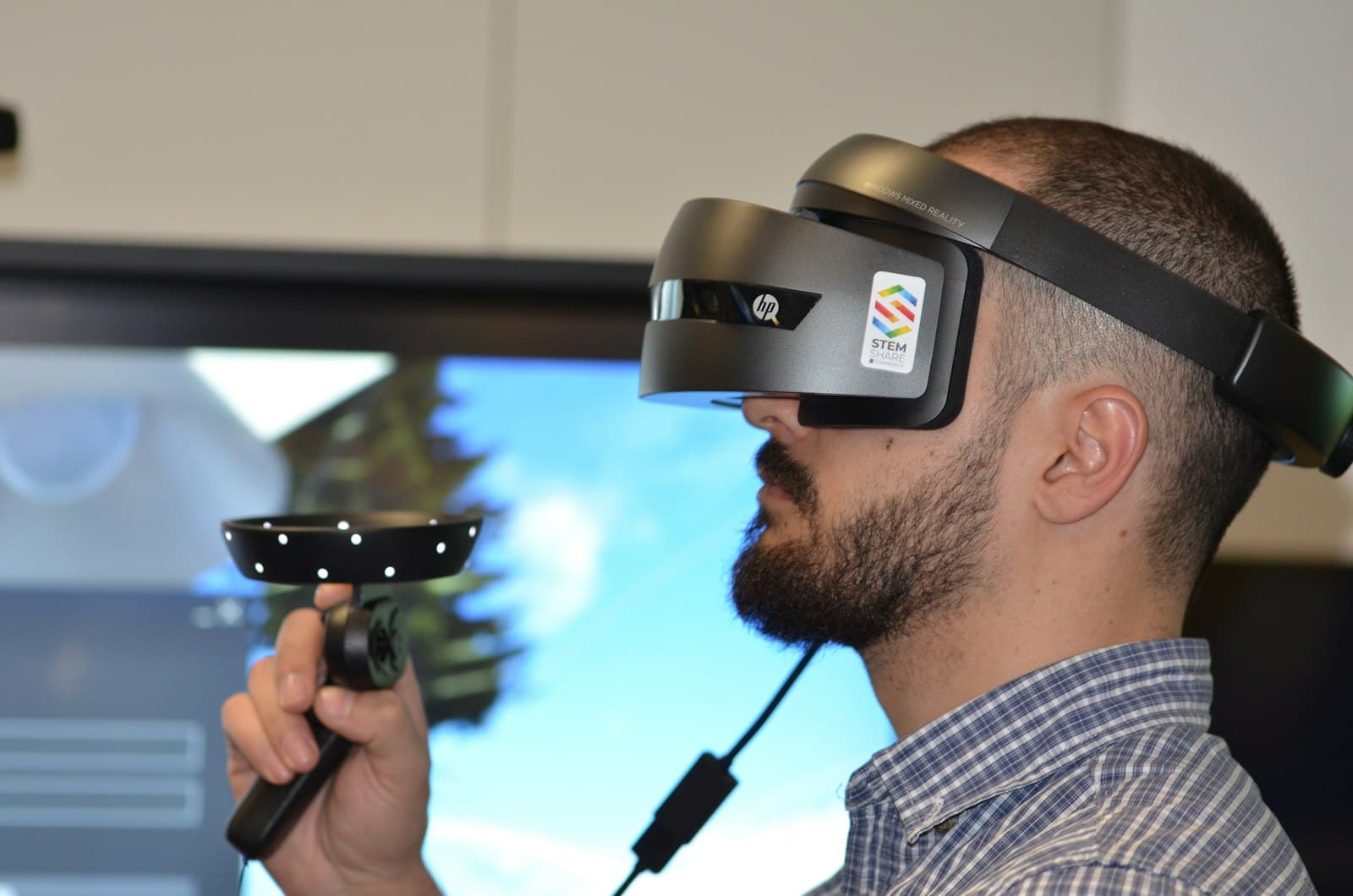
Accessibility is often framed as a legal requirement — a checklist to satisfy before launch. That framing misses the point. Accessible products work better for everyone, not just for people with disabilities. Captions help someone watching without sound on a train. High contrast helps someone reading a phone screen in direct sunlight. A sane focus order helps every power user who navigates by keyboard because it's faster, not because they have to.
Why compliance is not enough
A product can pass every WCAG audit and still be difficult to use. Compliance measures technical conformance; it does not measure whether the experience is actually usable. We've seen an audit come back fully AA-compliant on a form that was, in practice, nearly impossible to complete with a screen reader — every label was technically associated with its input, but the reading order jumped between three unrelated sections, so the experience was correct by the letter of the spec and unusable in practice.
- Screen-reader testing catches semantic gaps automated tools miss.
- Keyboard-only navigation reveals focus-order problems invisible to mouse users.
- Colour-contrast checks do not account for real-world lighting conditions.
- Caption accuracy is not the same as caption usefulness — a technically correct transcript that drops speaker changes or sound cues still fails the person relying on it.
- Automated scanners catch roughly a third of real issues; the rest only surface with an actual assistive-technology user at the keyboard.
Making it part of the process
Accessibility works when it is embedded in the workflow, not bolted on at the end. Design reviews include accessibility criteria. PR checklists include keyboard and screen-reader testing. QA includes assistive-technology pass/fail. The teams that get this right stop treating it as a separate audit phase and start treating it as a normal part of 'does this feature work.'
What a real accessibility pass looks like
Unplug the mouse before reviewing a new flow
If a reviewer can't complete the primary task using only Tab, Shift+Tab, Enter, and arrow keys, neither can a keyboard-only user — and that's a blocker, not a backlog item.
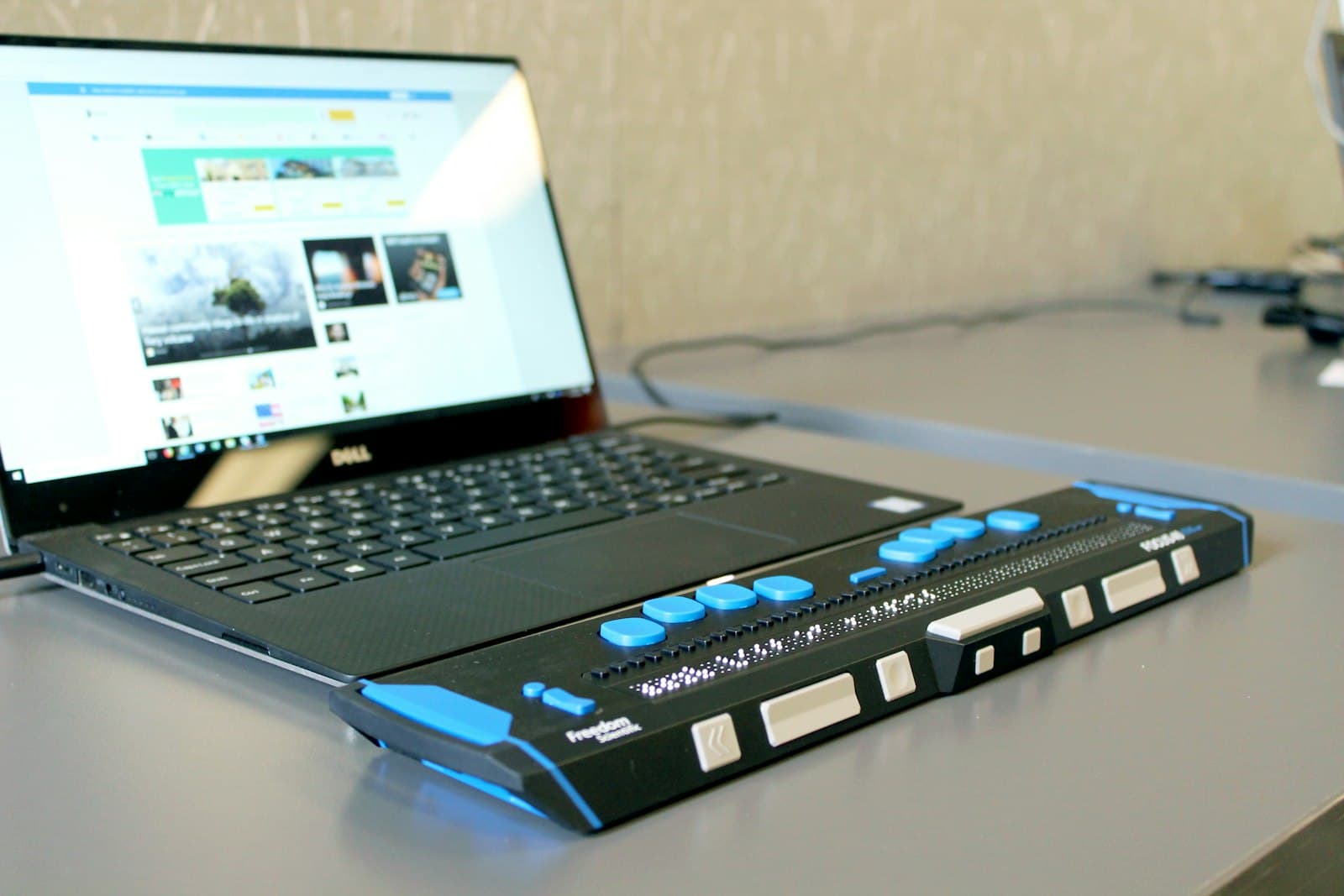
Run the actual screen reader a real user would use
VoiceOver, NVDA, and TalkBack behave differently enough that passing one does not imply passing the others. We test the flow on at least two before calling a feature done.
Involve someone who uses assistive technology daily
A sighted engineer simulating a screen reader finds a different, smaller set of problems than someone for whom it's their only way to use the product. We bring in outside testers for anything shipping to a broad audience.
In closing
The best accessible products are not the ones that follow the rules most carefully. They are the ones built by teams that genuinely use and test with the full range of human ability — compliance is the floor that gets you sued less, not the ceiling that makes the product good.